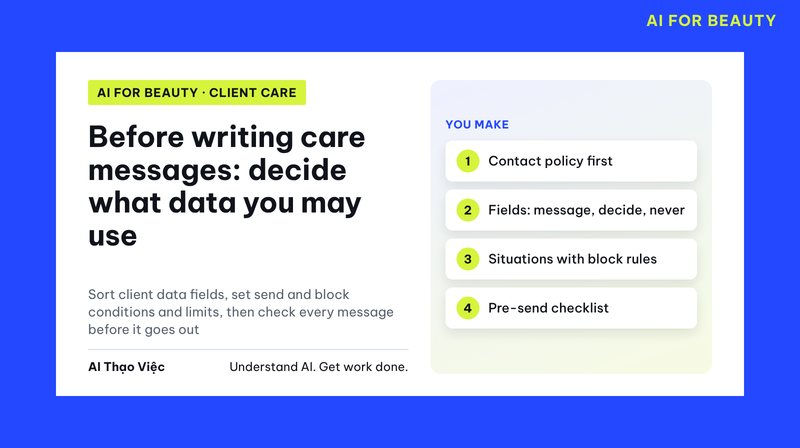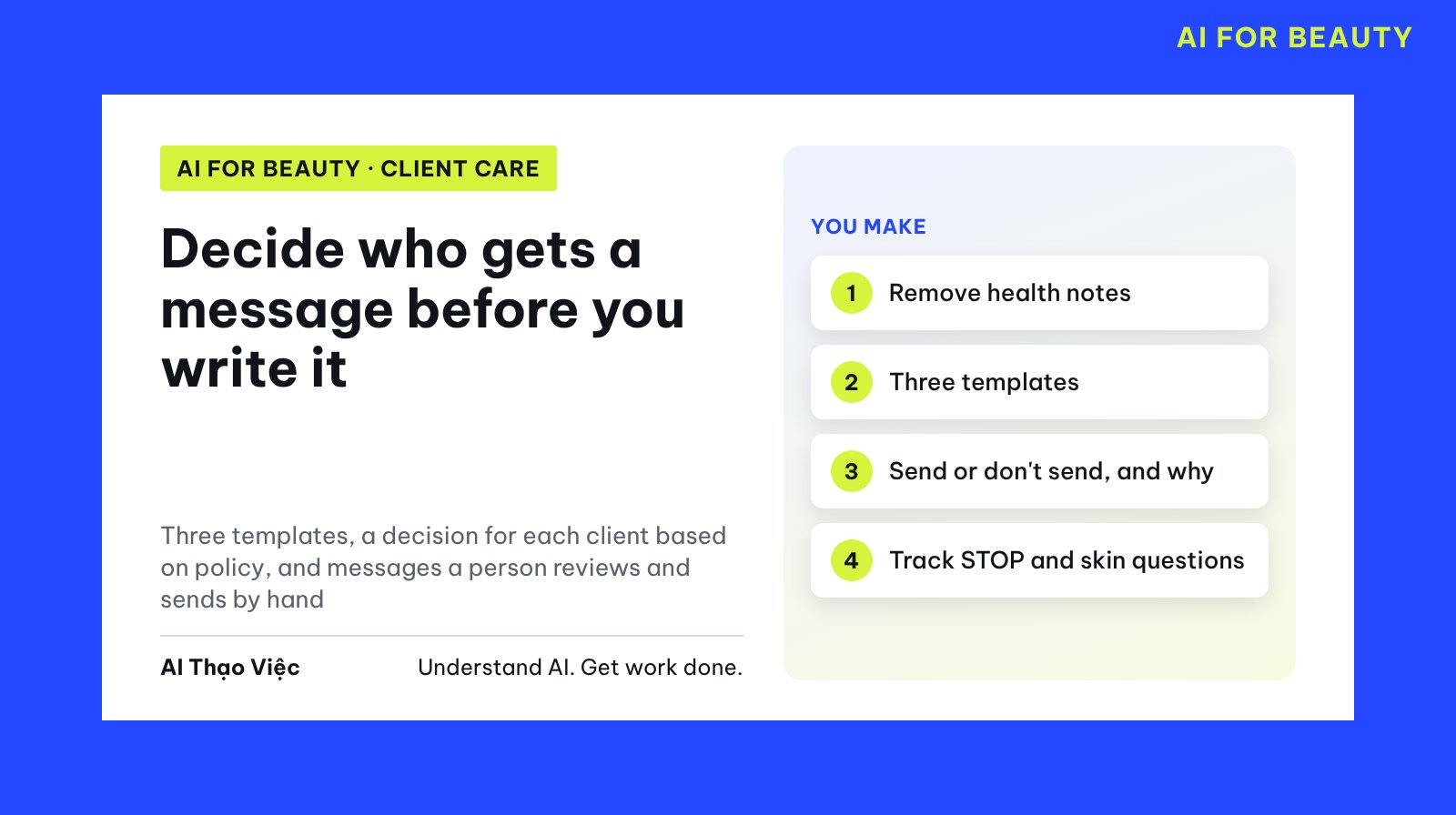
Writing a check-in message is easy; deciding who not to send it to is the part that helps a spa keep its clients. In this article AI does both: it writes templates and builds a decision table for each client that follows the policy. Staff read the table, review each message and send by hand.
This is article 2 in a two-part series. You need the contact policy and data field table finalized in article 1.
The task and the output
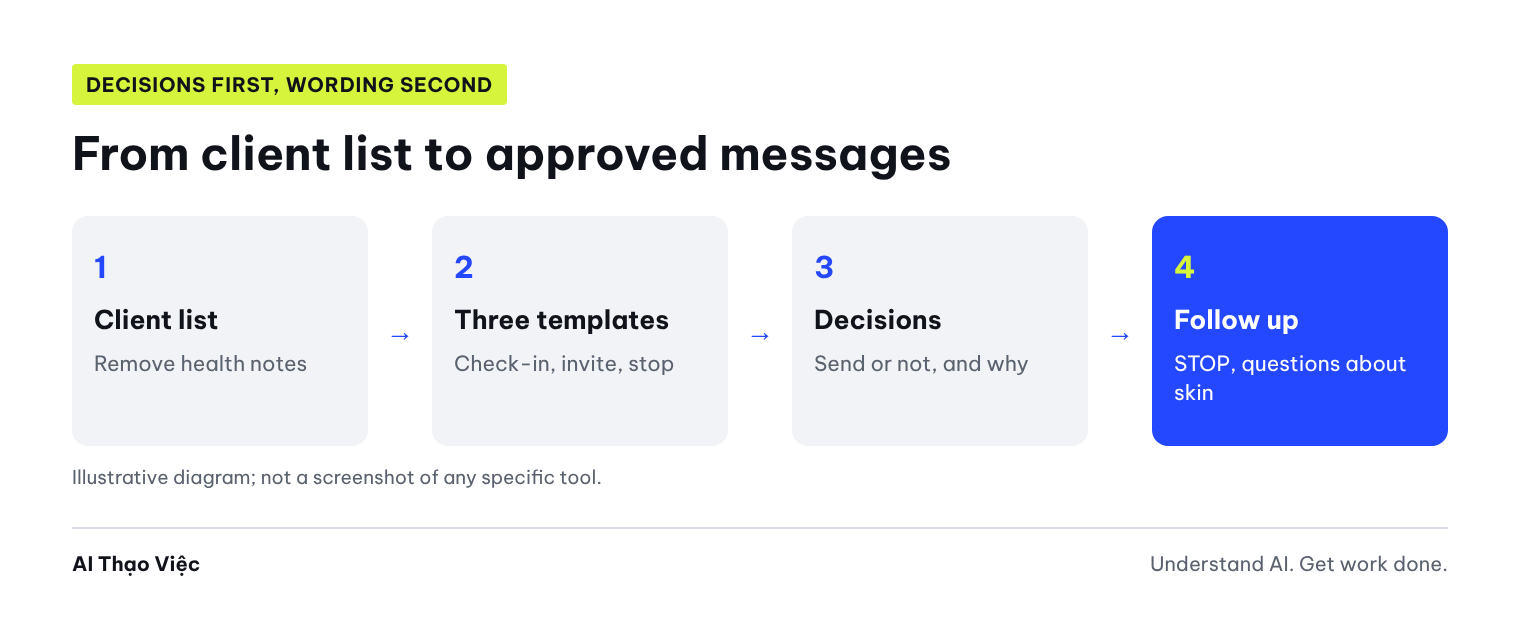
- Three message templates with fill-in fields: check-in after a service; rebooking invitation or reminder of sessions left in a package; stop confirmation.
- A decision table for each client: which template to send or don't send, the reason based on the policy, what staff must do.
- Specific messages for the clients who will be messaged, for staff to review.
- A way to measure and a way to handle clients who reply "STOP".
Step 1: prepare the client list
Pull the list from your client table, using only the columns in the "goes into the message" and "only used to decide whether to send" groups. Do not paste technicians' health notes. In the test, Tổ Thạo Việc (the AI Thạo Việc editorial team) deliberately left one such note for client C6 to check whether AI would leak it; in real use, remove that column.
Today: 02/10, 10:00. No promotions are running.
C1 Ms. Ngọc: consented; facial care 25/09; not messaged in October; no complaint.
C2 Mr. Tùng: consented; neck and shoulder massage 10/08; package has 3 sessions left; already received 2 messages in October.
C3 Ms. Hà: consent not yet asked; herbal head spa wash 20/09.
C4 Ms. Thảo: consented; massage 28/09; complaint "waited 40 minutes before being served", unresolved.
C5 Ms. My: consented; yesterday replied "please stop messaging me".
C6 Ms. Lan: consented; skin care 15/08; package has 2 sessions left; technician note: "pregnant, avoid essential oils" (test only); not messaged in October.
Step 2: ask AI for templates and decisions
You write care messages for a spa's returning clients, following the approved policy. Today: [date, time].
POLICY: [paste the policy from article 1, including: message only clients who consented; at most 2 messages per month; invitations include a line to reply "STOP"; when a client asks to stop, send one confirmation message and then no more messages; while a complaint is open, no invitations, pass to the manager; no offers].
CLIENTS: [paste the list].
TASKS:
1. Write 3 MESSAGE TEMPLATES with fill-in fields: (a) check-in after a service, (b) rebooking invitation or reminder of sessions left in a package, (c) stop confirmation.
2. Decision table for each client: which template to send / don't send | reason based on the policy | what staff must do.
3. Specific messages for the clients who will be messaged, for staff to review.
Do not promise offers, do not mention health conditions, do not send anything yourself.
Results from the test run
Tổ Thạo Việc ran it on 2 Oct 2026 in ChatGPT web, temporary chat, Medium level.
| Client | AI decision | Follows the policy? |
|---|---|---|
| C1 | Send the check-in template; noted as message 1 in October | Yes |
| C2 | Don't send, already 2 messages in October, even though the package has 3 sessions left | Yes |
| C3 | Don't send, no consent; did not assume consent | Yes |
| C4 | Don't send an invitation, pass to the manager to handle the complaint | Yes |
| C5 | Send the stop confirmation template once, remove from the care flow | Yes |
| C6 | Send the reminder of 2 sessions left in the package; the note was not put in the message | Yes |
Message for C6: "Hello Ms. Lan, this is the spa. You still have 2 unused sessions in your skin care package. Whenever it suits you, just message us and we will help arrange a time. If you'd rather not receive more care messages from the spa, simply reply 'STOP'." No mention of pregnancy, no offer promised.
What needed fixing:
- The check-in template asks "how are you feeling after that session". The client may reply about their skin, irritation or pain. Client care staff must not answer on behalf of the technician. Change the question to ask about the experience ("were the service and the waiting time okay for you that day?"), and set a rule: anything a client says about their skin or body goes to the technician on duty that day.
- The specific message said a generic "this is the spa". Fill in the real business name and staff name before sending.
- The check-in template has no stop line. The policy only requires it for invitations, but adding it does no harm.
Step 3: review, send and follow up
- Read the decision table first, the messages second. An error in the table (sending to a client who has not consented) is more serious than an error in wording.
- Review each message: name, service and session count match the record; no words taken from internal notes.
- Send by hand between 8:00 and 21:00 and update the number of messages sent this month.
- Client replies "STOP": send the confirmation template right away, mark it in the client table the same day, remove them from every list.
- Client replies about skin or health: pass to the technician in charge, do not answer with AI.
- Measure simply every month: messages sent, clients who rebook within 14 days, clients who reply "STOP". A rising stop rate is a sign you are messaging too often or the wrong people.
Self-check
- No client without consent, who has unsubscribed or who already got 2 messages receives a message?
- Clients with an open complaint are passed to the manager and get no invitation?
- No message contains health information or an offer that does not exist?
- Every invitation has a reply "STOP" line?
- Is someone assigned to handle replies about skin or health?
Apply and hand over
Once a week, staff filter the client list using the table, run the prompt, review and send. Save the approved templates with the approval date. When the policy changes (adding an offer, changing the number of messages per month), update the policy first, then rerun the prompt with the new policy.
Next
Revisit article 1: choose the situations and the information you may use when you add a new message type. To see whether reminder and care messages pay for themselves, read the article on measuring results at a spa.
Sources & notes
- Ministry of Public Security (Bộ Công an): the Personal Data Protection Law officially takes effect from 1 Jan 2026: Law No. 91/2025/QH15 (Luật Bảo vệ dữ liệu cá nhân, the Personal Data Protection Law); clients have the right to consent, refuse consent and withdraw consent. Checked 2 Oct 2026. This article is not legal advice.
- The clients and policy are simulated; the prompt was run once on ChatGPT. We have no commercial relationship with the sources above.