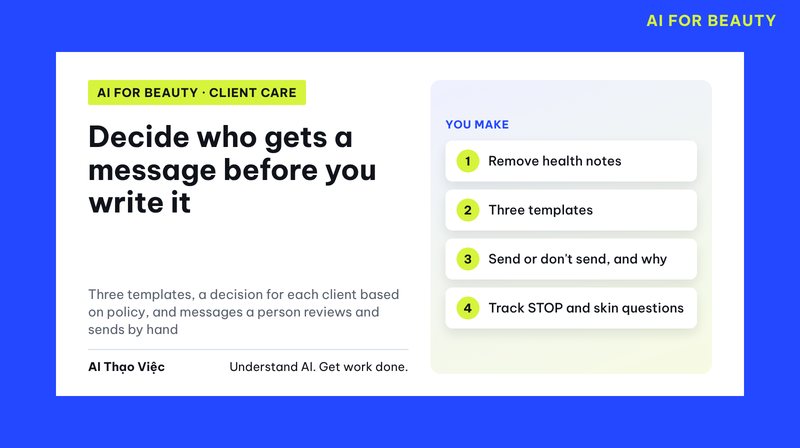
A wrong client care message is usually not wrong in its wording but in who it goes to and what information it uses. A booking invitation sent to a client who is complaining, a line like "remember to avoid essential oils" taken from a technician's note, a client who said "please stop messaging me" still getting a message the next week. This article covers the prep before writing: which information may be used, which situations may be sent, and what to check before you press send.
This is article 1 in a two-part series on caring for returning spa clients. Article 2 writes three message templates and makes a decision for each client. The hotel version is in the article on checking in with guests after checkout (in Vietnamese); spas differ because service notes easily contain health information.
The task and the output
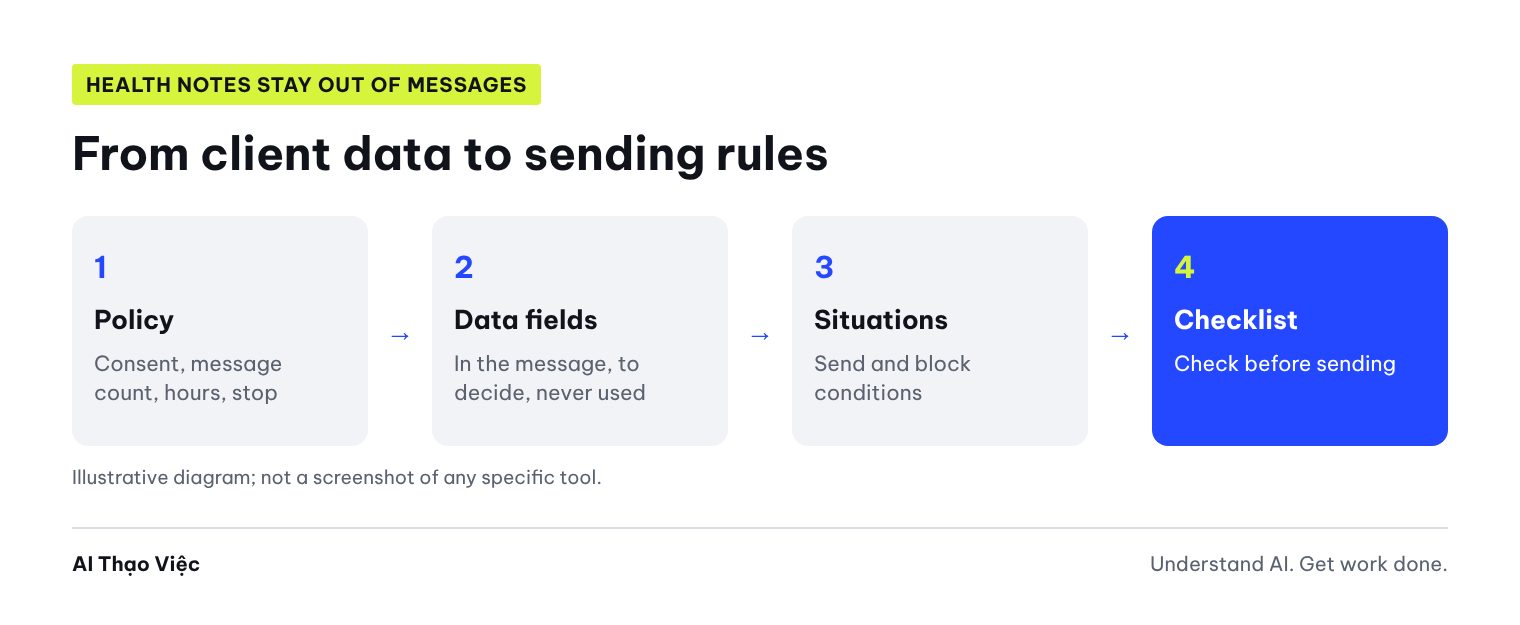
- A data field table split into three groups: goes into the message content; only used to decide whether to send; must not be used for messaging.
- A list of client care situations, each with a send condition and a block condition.
- Frequency limits and a pre-send checklist.
Step 1: write the contact policy first
AI does not set the policy for you. The spa owner writes a few lines, short and measurable. The simulated policy used in the test:
- Message only clients who agreed to receive care messages, on the channel the client chose.
- At most 2 care messages per client per calendar month. No messages from 21:00 to 8:00.
- Every booking invitation includes a line telling the client how to stop receiving messages.
- Client asks to stop: send one message confirming they are unsubscribed, mark them, no more care messages.
- No invitations while the client has an unresolved complaint; pass to the manager.
- Staff review each message before sending; no automatic sending.
List the data fields your spa keeps, including sensitive ones. The test version had 12 fields, including technician notes such as "sensitive skin" and "pregnant, avoid essential oils". The Personal Data Protection Law (Luật Bảo vệ dữ liệu cá nhân) No. 91/2025/QH15 has been in effect since 1 Jan 2026; under it, clients have the right to consent, refuse consent and withdraw consent to the processing of their data. How your spa should request and store consent in practice is a question for someone who understands the law; this article only covers the process.
Step 2: ask AI to sort fields and list situations
You are helping a spa prepare care messages for returning clients via [channel].
CLIENT DATA FIELDS THE SPA KEEPS: [list].
THE SPA'S APPROVED CONTACT POLICY: [paste].
TASKS:
1. Data field table: field | goes into message content / only used to decide whether to send / must not be used for messaging | reason.
2. A list of sensible client care situations for a spa (check-in after a service, reminder of sessions left in a package, invitation to rebook...), each with the condition for sending and the condition for blocking.
3. A set of pre-send check rules, as a checkbox list, strictly following the policy above.
Do not infer health conditions from the services a client has had. Do not write skin care or treatment advice.
Results from the test run
Tổ Thạo Việc (the AI Thạo Việc editorial team) ran it on 2 Oct 2026 in ChatGPT web, temporary chat, Medium level.
- Sorting mostly correct: name, service, most recent date and sessions remaining go into the message; Zalo, consent status, channel, messages this month, complaint and stop request are only used to decide whether to send. Technician notes stay out of the message.
- 7 situations, each with block conditions: no consent, wrong channel, 2 messages already sent, stop requested, an open complaint for invitation messages.
- A 15-line checklist that matched the policy: hours 8:00 to 21:00, a stop line on invitations, check the name and session count against the record, staff review and send by hand.
- A correct warning: do not create situations like "the client had service X, so they may have condition Y".
What needed fixing:
- AI added a birthday greeting situation on its own and put date of birth in the "goes into the message" group. The policy says nothing about birthdays. If the spa wants to do this, the owner must decide and clients must know.
- AI put technician notes in a group "used to decide what content to avoid". The safer way: do not put these notes into the message-writing tool or into AI at all. Staff read the notes in the client record when needed and do not paste them into the prompt.
- AI allowed a check-in message while the client still had an unresolved complaint, because the policy only blocks invitations. Right by the letter but wrong in spirit: a client who is complaining and gets an automatic check-in message will feel ignored. Fix the policy: while a complaint is open, only the manager contacts the client.
Step 3: finalize and add it to your process
- The spa owner reviews the data field table and removes any field AI added to the "goes into the message" group that is not in the policy.
- Separate the health notes column from the table used to write messages.
- Fix the policy for gaps AI found or exploited: a complaint blocks all care messages; decide whether to send birthday messages or not.
- Add a messages-this-month counter column and an unsubscribed column to the client table, and update them every time you send.
- Print the checklist for client care staff and check every line before sending.
Self-check
- Is the message-writing table free of health notes?
- Does each situation block when there is no consent, the message limit is reached, the client has unsubscribed, or a complaint is open?
- Is there no situation outside the approved policy?
- Are there columns for messages this month and for unsubscribed?
- Is someone assigned to answer clients who ask about skin or health after receiving a message?
Apply and hand over
Save the field table, the situation list and the checklist as one document, "Returning client care process", with the date and the approver. New staff read it before they are allowed to send messages. Review it every quarter: for situations where clients often reply "STOP", drop them or send them less often.
Next
Go to article 2: write three message templates, decide for each client and handle clients who want to stop.
Sources & notes
- Ministry of Public Security (Bộ Công an): the Personal Data Protection Law officially takes effect from 1 Jan 2026:Law No. 91/2025/QH15 takes effect from 1 Jan 2026; data subjects have the right to consent, refuse consent and withdraw consent. Checked 2 Oct 2026. This article does not interpret the law in detail.
- The data and policy are simulated; the prompt was run once on ChatGPT. We have no commercial relationship with the sources above.