Overlapping bookings at a nail and lash studio usually do not show up when the booking is taken; they show up when the client is sitting there waiting. AI can quickly check a busy day's schedule, as long as the rules are clear. But AI can get times wrong, and its fix can be correct on paper while the client will not accept it. This article shows how to let AI find the overlaps, then you check again with a spreadsheet and confirm on the real calendar.
This is article 2 in a two-part series. You need the finalized service table, technician table and rules from article 1.
The task and the output
- A one-day schedule table: start time, finish time, cleanup-done time, technician, station, service, status.
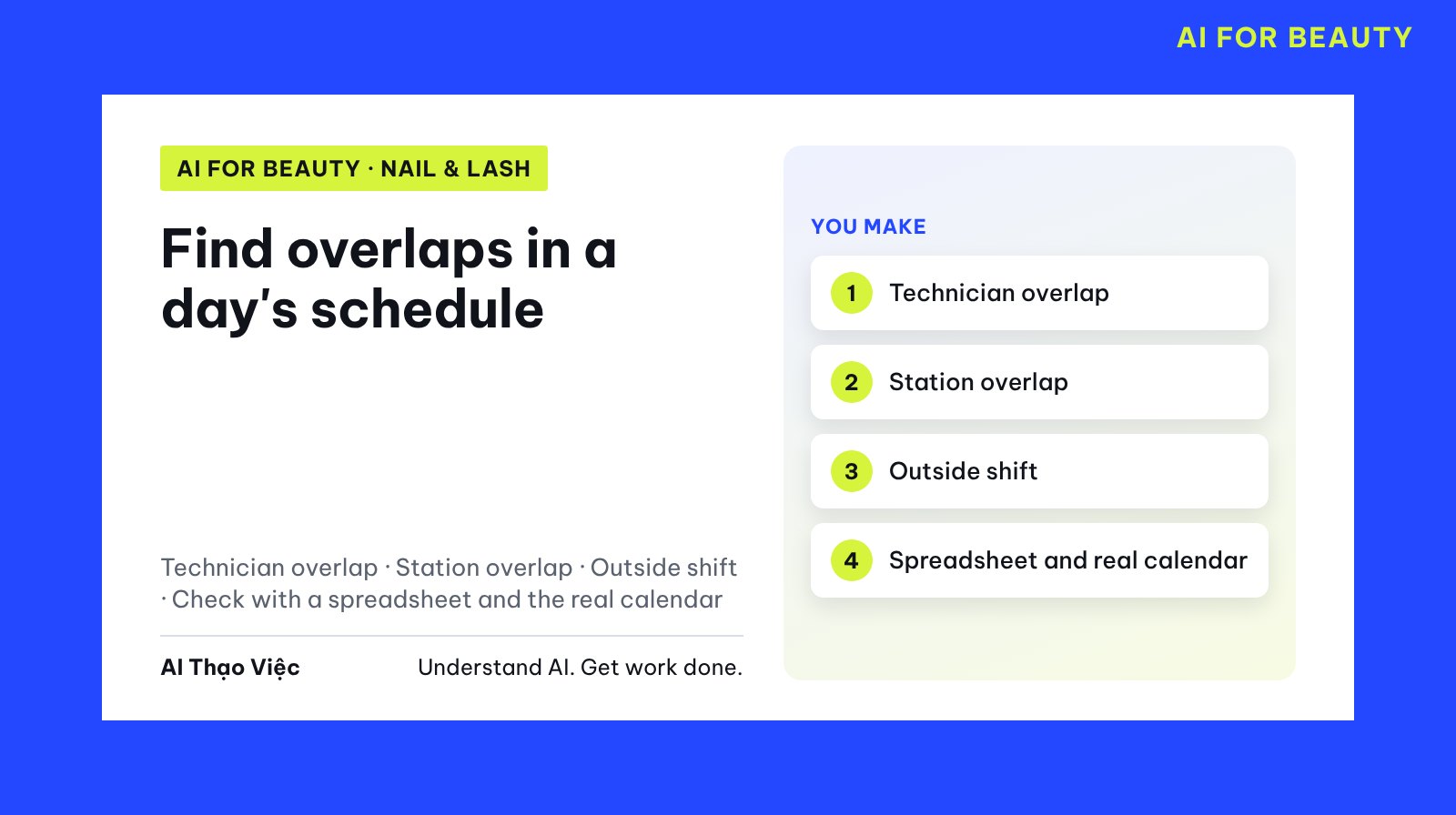
- A list of conflicts in four types: technician overlap, station overlap, outside shift, technician cannot do the service.
- A fix for each conflict, with what to ask the client.
- The real calendar updated after the client agrees.
Step 1: prepare the rules and the schedule
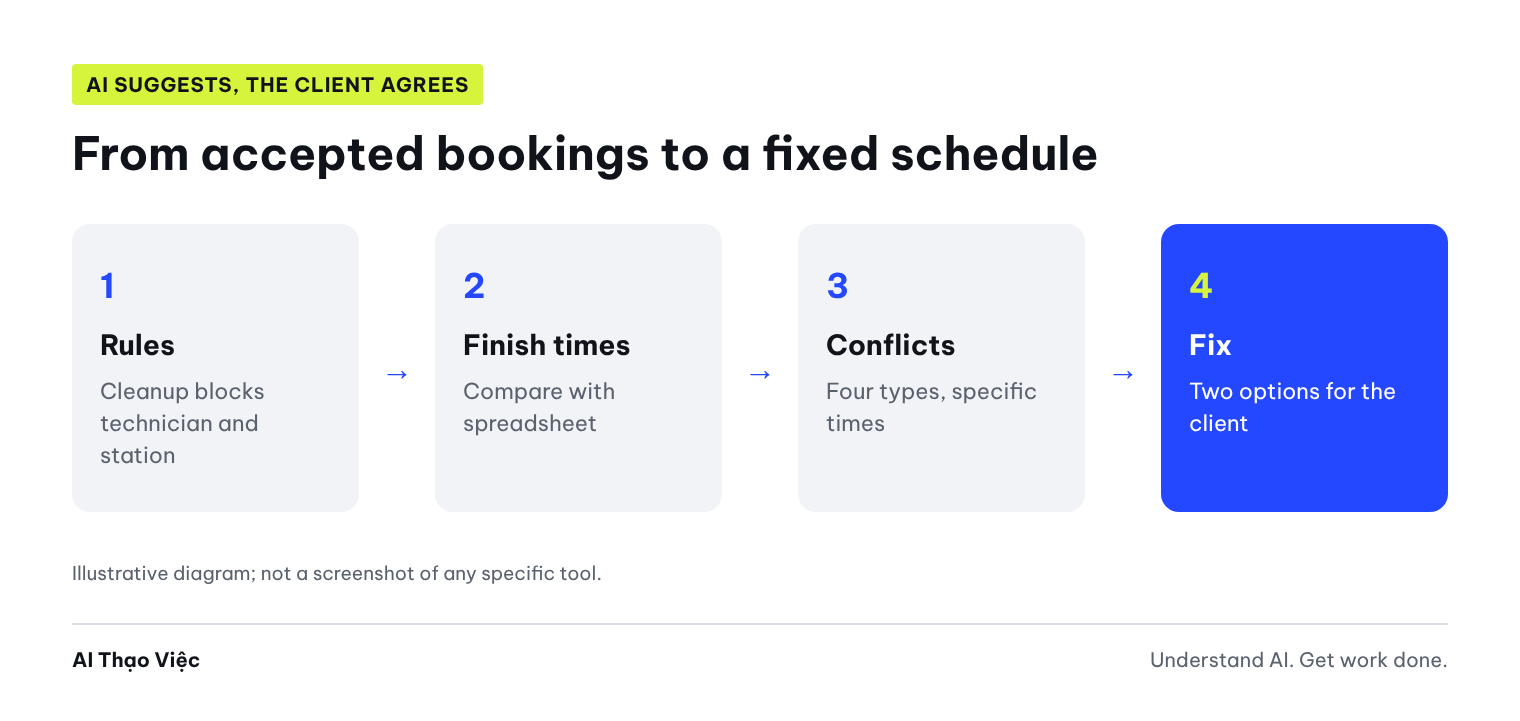
The rules must say clearly who cleanup time blocks. In the example, cleanup blocks both the technician and the station. Simulated rules and schedule used in the test (Tuesday):
- The studio is open 9:00 to 20:00. Stations: nail tables N1, N2, N3; lash beds G1, G2.
- Lan: nails only, shift 9:00-17:00. Mai: nails and lashes, shift 10:00-19:00. Hoa: lashes only, shift 12:00-20:00.
- Gel polish hands 45; gel feet 50; acrylic 90; gel removal 15; hand + foot combo 95; classic 90; volume 120 (Mai 140); lash fill 60; lash removal 20 (minutes).
- After each client: nail table cleanup 10 minutes, lash bed 15 minutes; the technician takes the next client after cleanup is done.
- One technician, one client at a time; one station, one client at a time; the client finishes before the technician's shift ends.

1. 09:00 Lan N1 gel hands        8. 13:00 Mai N2 hand + foot combo
2. 09:30 Lan N2 gel feet         9. 14:00 Lan N1 gel hands
3. 10:00 Mai G1 volume          10. 15:00 Lan G2 lash removal
4. 10:00 Lan N1 gel removal + acrylic   11. 16:30 Lan N3 acrylic
5. 11:30 Mai N3 gel hands       12. 17:30 Hoa G2 volume
6. 12:00 Hoa G2 classic         13. 18:00 Mai G1 classic
7. 12:30 Hoa G1 lash fill       14. 19:00 Hoa G1 lash fill
Before running it, build your own answer key in a spreadsheet (columns for start time, plus duration, plus cleanup time) so you have something to compare against.
Step 2: ask AI to check the schedule
You are checking one day's schedule for a nail and lash studio. Date checked: [weekday, date].
FINALIZED RULES: [paste].
ACCEPTED BOOKINGS: [paste, one per line: number, start time, technician, station, service].
REQUIREMENTS:
1. Schedule table: number | start time | finish time | cleanup done | technician | station | service | status (OK / conflict).
2. List of CONFLICTS: booking number, type (technician overlap, station overlap, outside shift, technician cannot do the service), explained with specific times.
3. For each conflict, suggest 1 fix (change technician, change station, change time) that does not create a new conflict, and note what must be asked of the client or confirmed on the real calendar.
Calculate the times carefully, line by line.
Results from the test run
Tổ Thạo Việc (the AI Thạo Việc editorial team) ran it on 2 Oct 2026 on ChatGPT web, temporary chat, Medium level, then compared it with our own spreadsheet.
Error finding was fully correct. All 14 lines of finish times and cleanup-done times matched the spreadsheet. AI found all 10 planted errors:
| Type | Bookings | AI explanation |
|---|---|---|
| Technician overlap | #1 and #2; #2 and #4 | Lan works on #1 until 9:45, cleans up until 9:55; #2 keeps Lan busy until 10:30 |
| Technician overlap | #3 and #5 | Mai does a 140-minute volume until 12:20, cleans up until 12:35 |
| Station overlap | #3 and #7 | G1 is being cleaned until 12:35, #7 goes into G1 at 12:30, 5 minutes early |
| Technician overlap | #6 and #7; #12 and #14 | Hoa is busy with another client |
| Technician cannot do it | #10 | Lan only does nails, #10 is lash removal |
| Outside shift | #11; #13 | Lan finishes at 18:00, after her 17:00 shift end; Mai finishes at 19:30, after her 19:00 shift end |
| Station overlap | #13 and #14 | G1 in use until 19:30, cleaned until 19:45 |
AI also raised, on its own, a point the rules did not cover: booking #14 finishes at 20:00 but cleanup runs until 20:15, after closing time. It did not treat this as an error on its own; it noted it for the owner to decide. That is the right way to handle it.
The schedule fix: correct on paper, hard to use in real life. AI gave one plan for the whole day: move #2 to 11:55, #5 to 14:45, #7 to 13:45, give #10 to Hoa, move #11 up to 15:00 and switch it to N1, move #14 up to 15:35, move #13 up to 16:50. Tổ Thạo Việc put this plan into the spreadsheet: no conflicts remained. But:
- 6 clients would have to be asked to change their time, and one client would be moved 3 hours 25 minutes earlier (#14 from 19:00 to 15:35). A client who booked after work will find it hard to come that early.
- AI did not offer a backup option if a client cannot change, for example giving #13 to Hoa after 19:45 or asking the client to move to another day.
Step 3: check and confirm on the real calendar
- Compare finish times with your spreadsheet before trusting the list of conflicts.
- Check the fix in your spreadsheet too, not just by reading it. One moved booking can collide with another.
- Decide the order for contacting clients: ask the clients with the most serious errors first (technician cannot do it, outside shift); prefer changing the technician or station before changing the time.
- Prepare two options for each client who has to change, so they can choose, instead of the single time AI gives.
- Only change the real calendar after the client agrees, then check the whole day once more.
- Record the cause of each error: booking taken without counting cleanup time, wrong technician assigned, shift forgotten. That is where the booking process needs fixing.
Self-check
- Do AI's finish times and cleanup-done times match your spreadsheet?
- Does each conflict have specific times?
- Has the fix been put into the spreadsheet without creating new conflicts?
- Does every client who has to change have at least two options?
- Is the real calendar changed only after the client confirms?
Apply and hand over
At the end of each booking day, the person taking bookings pastes tomorrow's schedule into the prompt and the spreadsheet. If an error keeps repeating, add it to the booking rules: for example, do not accept long services in the last 90 minutes of a shift. When the studio has 3 to 4 errors a day, that is a sign you should use software that holds slots by technician and table.
Next steps
Go back to article 1 on standardizing services and technician shifts if errors come from missing data. If you are considering software, read the article comparing doing it yourself, booking software and AI call answering.
Sources & notes
- Square Support Center: Create, edit, and assign resources for appointments: booking software holds tables, rooms and equipment by schedule to block double booking; the manual check in this article does the same job for studios that do not have software yet. Checked 2 Oct 2026.
- The schedule and rules are simulated; the prompt was run once on ChatGPT. No commercial relationship with the sources above.